__largepreview__.webp)
Login to One Church
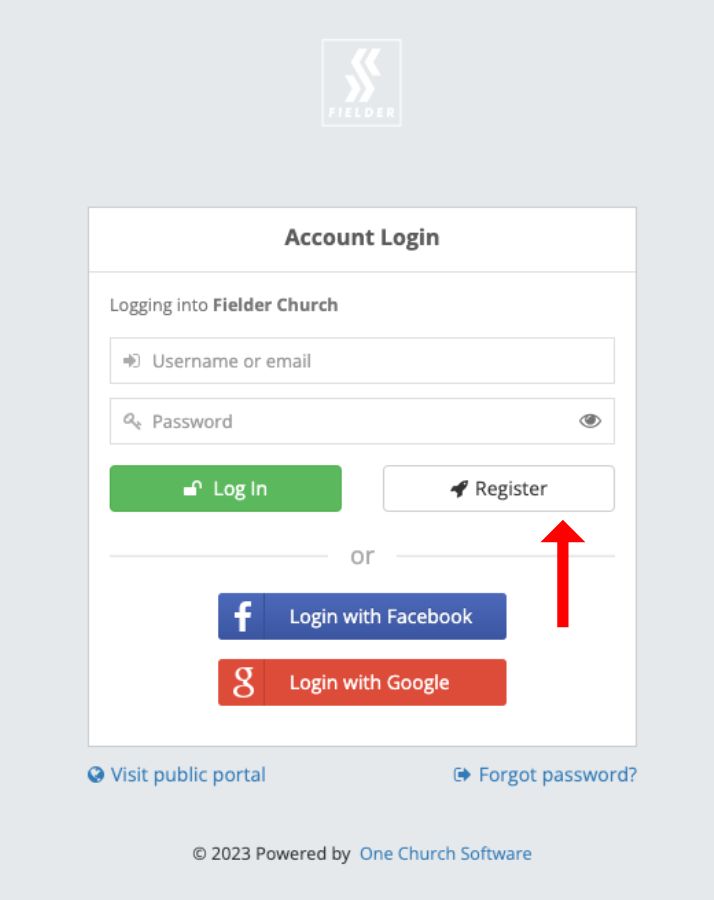
1. Visit the Login Screen
Go to the Fielder Church One Church login screen: https://fielder.onechurchsoftware.com/
Click on the “Register” button on your account’s login screen (see image below).
2. Enter Your Email
Enter your email address (see image below).
- Tip: This may be the e-mail address where you receive the Weekly Announcement E-mail or other Fielder ministry communication.
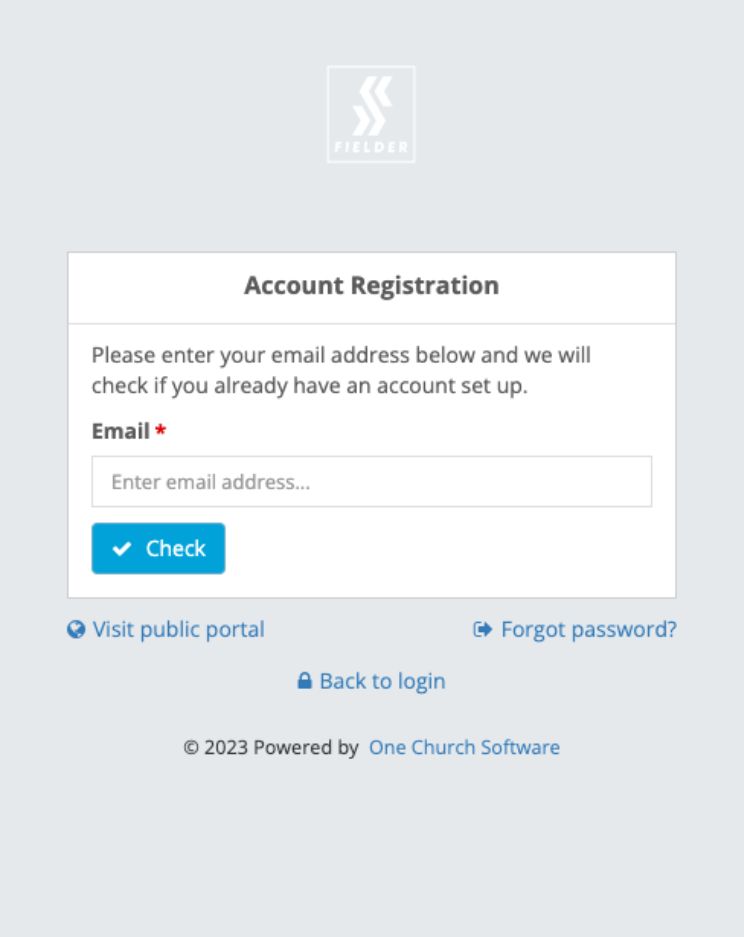
The system will check to see if you already have an active profile in the system.
1. If your e-mail is already in the system
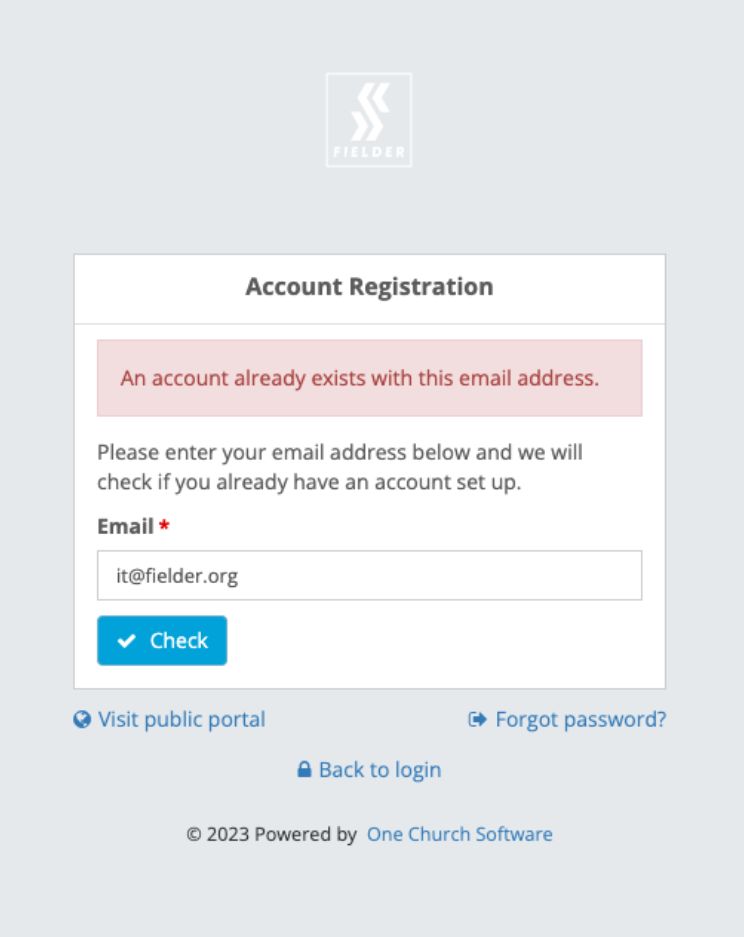
You will get a note telling you “an account already exists with this email address.”
Click “Forgot Password” to reset your password.
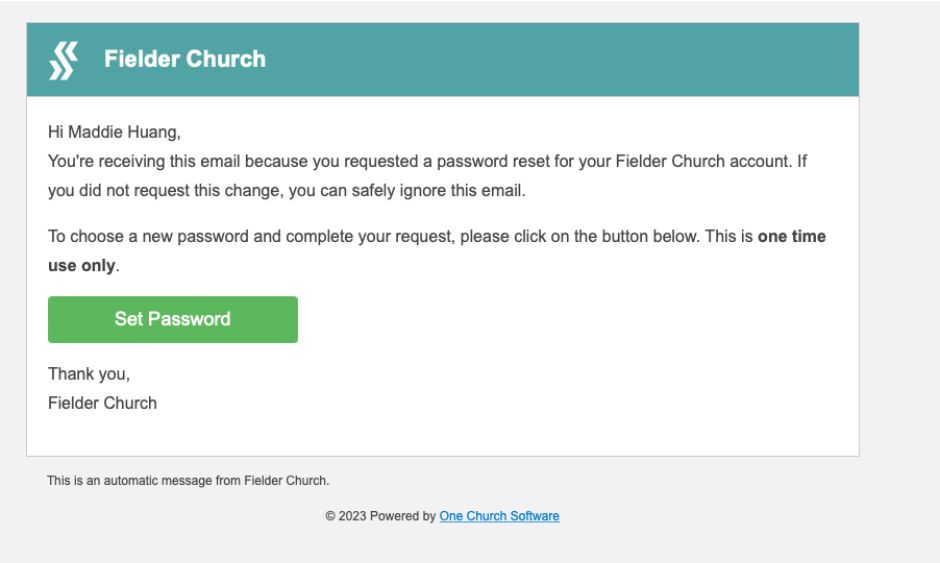
You will get an e-mail prompting you to “Set Password”
Then you’ll be prompted to enter a new password.
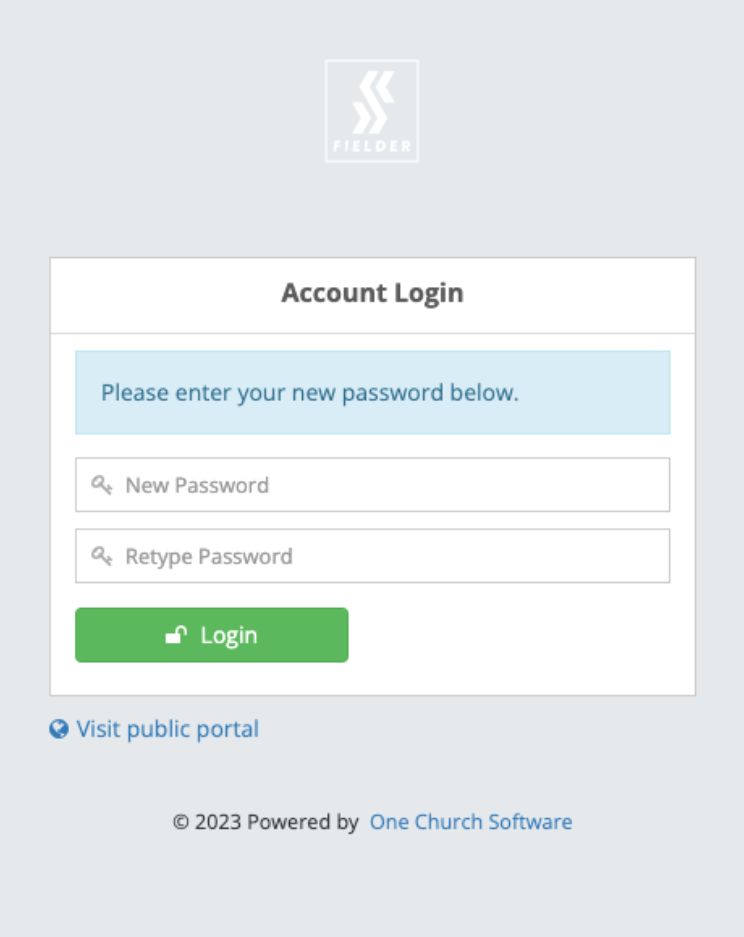
2. If your e-mail is NOT in the system
You will get a note telling you “Account was not found. Please complete the information below to create a new profile.”
Enter your information & click “Submit.”
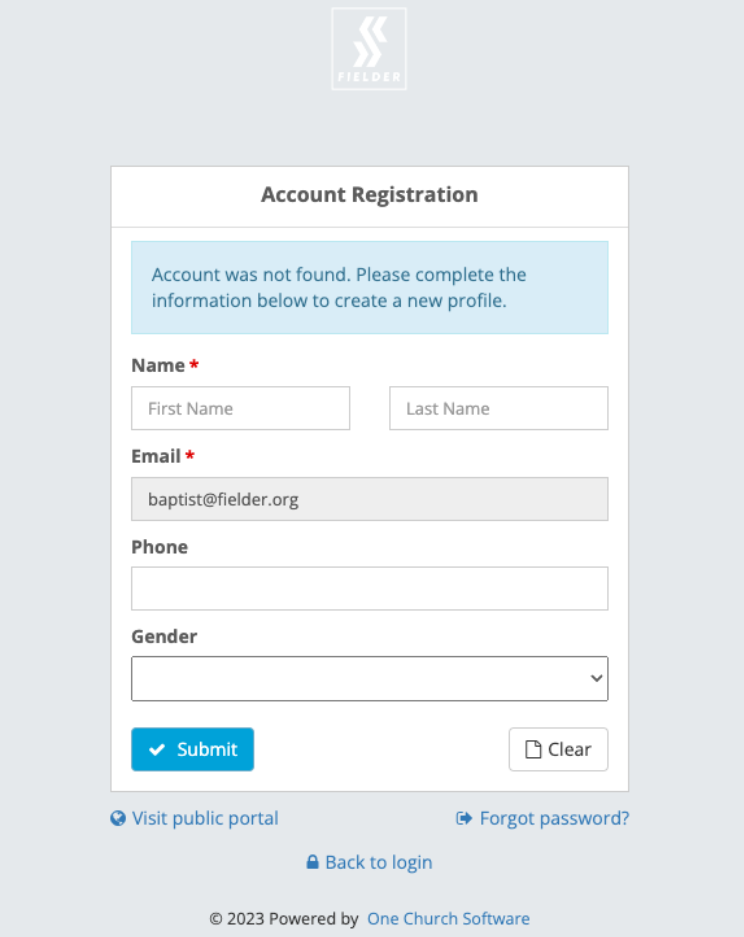
You will receive an e-mail asking you to finish setting up your account.
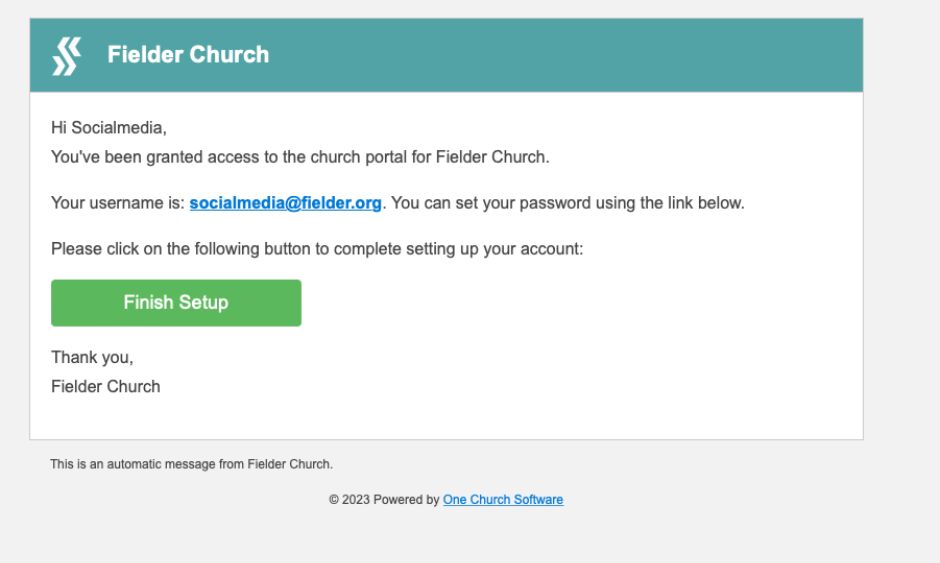
You will be prompted to enter a new password, then click “Login”
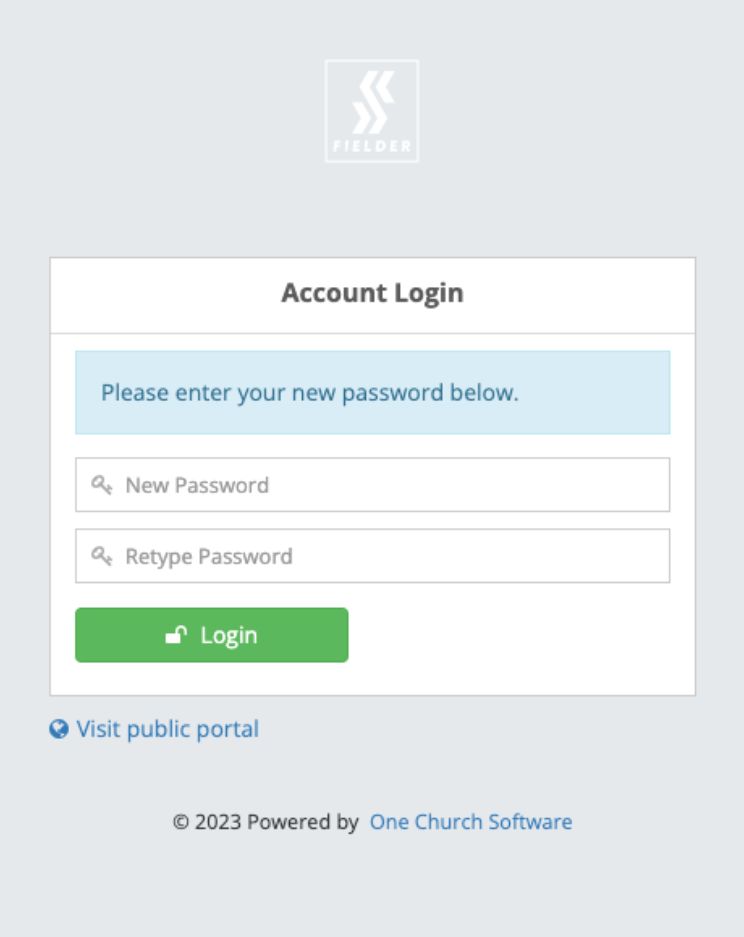
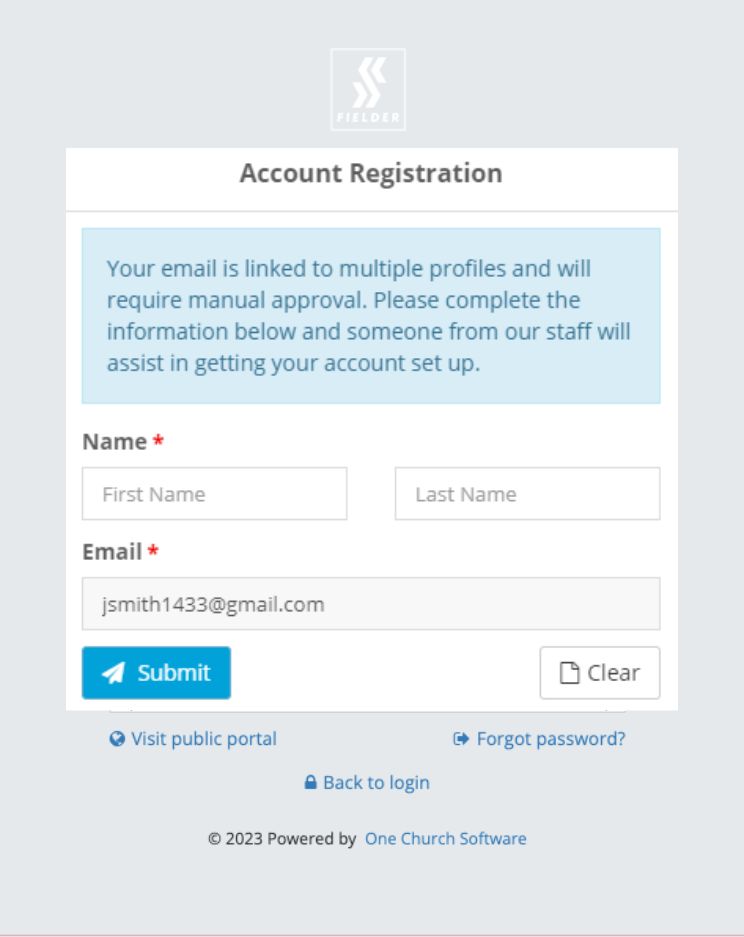
3. If your e-mail is associated with multiple accounts
Since the system doesn’t know which account to use, a staff member at Fielder will need to assist you.
You will see a form that will ask for your name. Click “Submit” and a staff member will contact you shortly!
Contact Us
Having trouble? Reach out to us & we'd be glad to help!